

Description
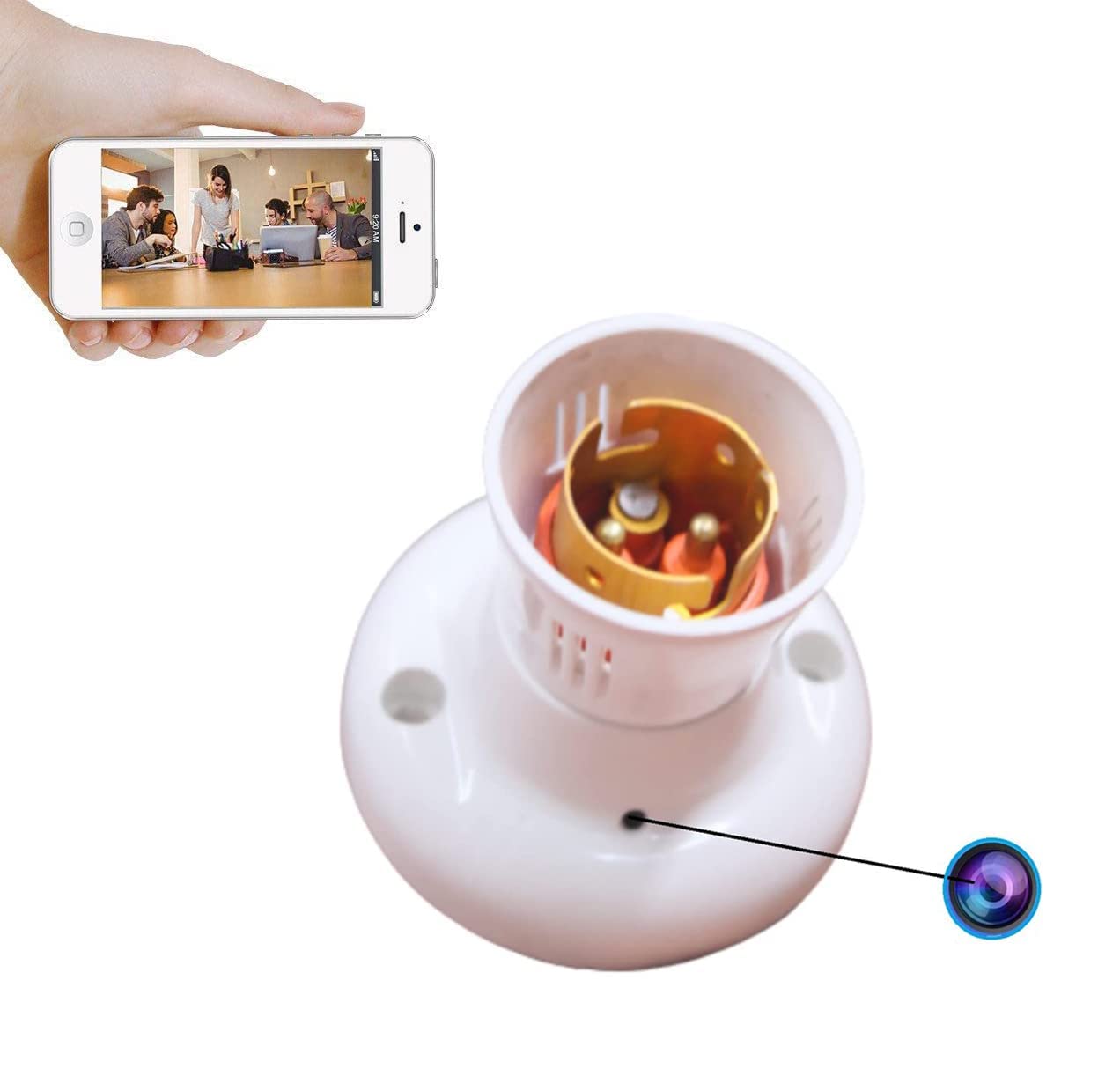
HD Quality Video Bulb Holder Camera Wifi Day Vision
Work 24 Hours with Electricity.
Support up to 128GB Sd Card (not included)
Easy to Setup and Watch Live View Anywhere Anytime.
Hidden Home Security Camera – A 2-in- Bulb Holder and surveillance camera this discrete spy camera bulb lets you keep a watchful eye on your home, family, property, nanny, housekeeper, office, or other personal space 24/7.
Easy to Use: The hidden nanny Cam supports Wi-Fi remote view, Record video, shoot photos through the free phone app louche. It also supports playback video (recorded on the SD card) on phone. The set-up is very easy, you can follow the directions in the user manual step-by-step.
Loop Recording: When the memory card is full, the newest File will overwrite the previous File, and the device will continue recording with continuous-loop videotaping. It will automatically save new video files in per 10 minutes. You will never miss the important thing you want to know. (Tip: we recommend that you organize files in time, to avoid deleting important video File. )
HD 1080P Format: Full HD 1080P with H.264 image compression format, provides you clear image and video. You can switch between resolution of 1080P and 720P via App according to your needs.
Notice:
1: If you don't know how to set up the WIFI, you can search "Look cam Video" in YouTube, there have many videos about this App on YouTube.
Notice 1: When you cannot find the WIFI or the camera can't connect with the WIFI. Please reset the camera.
Q: How to reset the camera?
A: Long press the reset key about 10-15 seconds, The camera will restore the factory setting.
How to setup up the WIFI?
1: Download the "Look Cam" App in " Google Play " or " App Store “.
2: Insert the Micro SD card
3: Open the camera.
4: Wait about 1-2 minutes. Open your phone WLAN, you will find the WIFI: “F...”, Then connect this WIFI with your phone, no password required.
5: Open the " Look Cam" App. The camera will display " Device Online "
6: Click the settings button, Wi-Fi setting, Select ID and enter your password. After Config successfully. It will display " Device offline " Wait 2-3 minutes, After the camera connect with the router successfully, it will display " Device Online " again. Well, Remote View setup success.
Note : You can put bulb in the Holder Camera.